Wednesday, 11 December 2013

CAB Activity 3

Below is a list of what you need to produce for CAB Activity 3...
  • Sketch of your banner
  • First version of your animated banner
  • Second version of your animated banner (after feedback)
  • Sketch of your website (E-Newsletter) layout
  • Sketch of the different sections of your website
    • Events - including your Recommendations
    • Charities - including your Digital Advert
    • Save the Date - including your Audio Advert (from last year)
  • Your completed 4 page website
  • Updated Sources Table
  • Completed Activity 3 Review
 
Below is an example of how the pages could look...


TB2L4 Be Prepared!

BA2 understand the methods and benefits of document sampling and background research as a means of gathering information

STARTER:


‘A stitch in time saves nine’

‘Measure twice, cut once’

‘Look before you leap’

 ‘Fools rush in where angels fear to tread’


What do all these sayings have in common? - They’re all about thinking before acting. 

Why? Because it saves time, money, effort and embarrassment. 

It’s plain common sense, yet, when it comes to Digital Product development, this common sense seems to disappear. All too often, projects start before thought has been put into the project’s purpose, its desired results, and how its success will ultimately be measured.

“If we knew what it was we were doing, it would not be called research, would it!”
Albert Einstein 
Use documents from O:\ICT\GCSE ICT Unit 3\TB2
 
TASK 1:
 
Open TB2L4R3 and complete the User Groups you decided upon for the Hamble Sports College Website. List all of the jobs that the website will need to do and then mark what User Group will use that feature.
 
TASK 2:
 
Research existing Digital Products that are similar to the Hamble Sports College Website and using TB2L4R4, list all the features that you may want to include/exclude from a redesign of the HCSC site.
 
EXT:

Use TB2L4R2 to make notes on Document Sampling and Background Research as you have before

PLENARY:

Begin to think about presenting all the work you have completed so far from this teaching block, ready for marking!


Monday, 9 December 2013

NG CiDA - The final push!

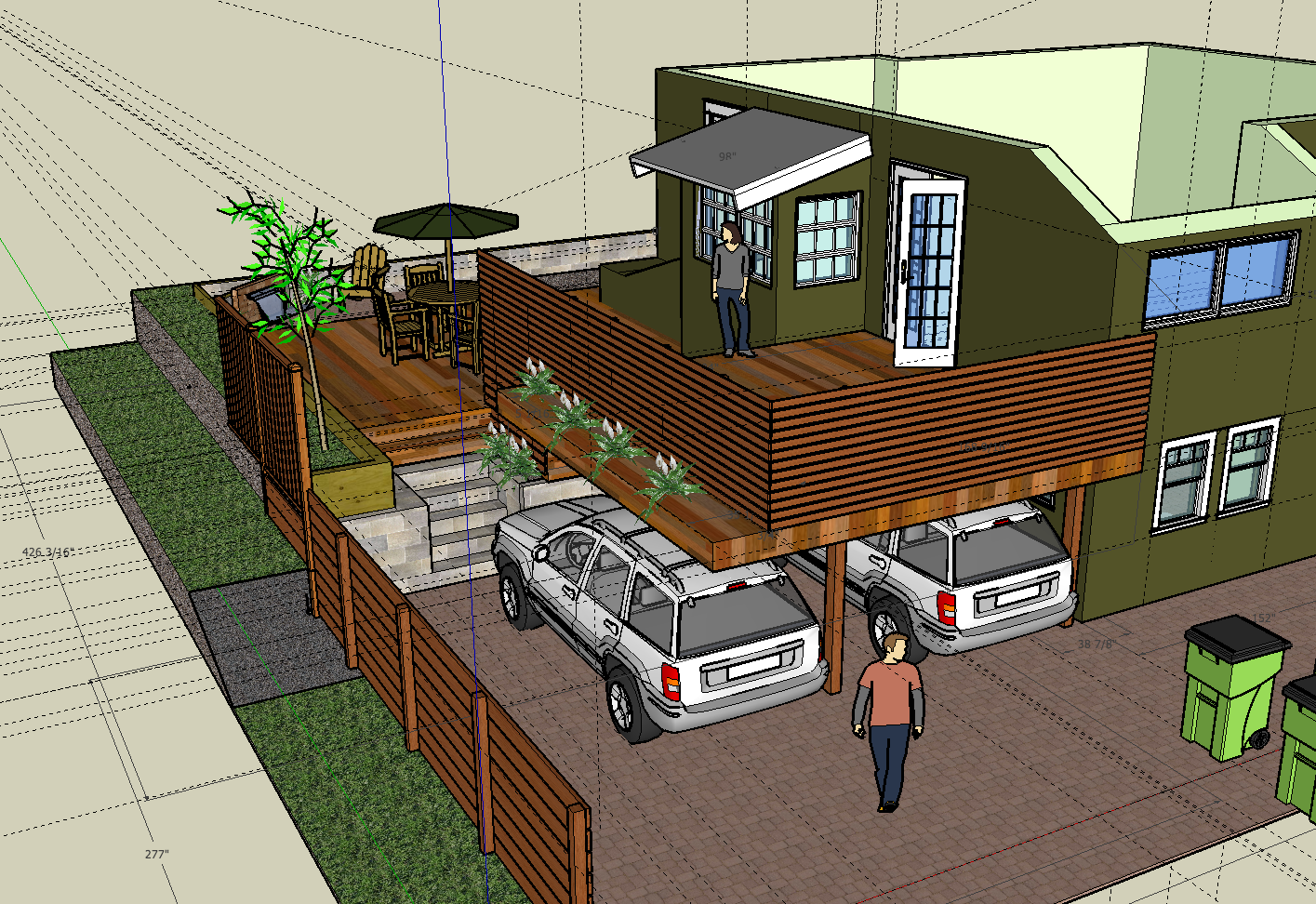
BA2 realise your chillout room design in three dimensions...

STARTER:

I will be coming round to you individually throughout the lesson to double check that you have completed your Screensaver review and printed - this is still a PRIORITY!

TASK:

Develop a three dimensional model, using Google Sketchup, of your Chillout room. You should create both of:

  • PRIORITY
    • The internal layout of the room as you planned it on your floor plan
      • Try to add your wallapaper if you can...
  • EXTENSION
    • The external surroundings of your chillout building
      • Be as creative as you can be!
Once these are completed, you will again need to screenshot both and review. This is the end of this scheme of work!!

Use this website to download suitable models for your room! http://www.sketchup4architect.com/

On the site: Download > 3D Components. Select model and save to your area.

From Sketchup go to File > Import and bring in your model!
Examples of what you can download from http://www.sketchup4architect.com/


Thursday, 5 December 2013

SB1 Using a Database

BA2 explain the purpose and target audience for an example database and differentiate between data and information

STARTER:

What type of website is the iTunes Store...? Discuss with your partner
  • How is it used?
  • What is it used for?
  • How is it different to a 'normal' website?

18061954

What does this number mean?

KEY TERMS: Is this number currently DATA or INFORMATION? What would help it change into one or the other...?

TASK 1:


‘Flesh out’ this scenario. Who are their customers? What sort of clothes do their customers like? Why do their customers need/want a personal shopper?
 
Decide on an audience profile and fill in the Audience Profile Form.doc (O:\ICT\GCSE ICT Year 10 2013\SB1 FEN\Lesson 1 Using a database).
 
Save this profile in your user area. (Create a new folder called SB1 for this block of work).

TASK 2: Adding
 
Copy & Paste the Database "fashion_V2000" to your own area!
 
Have a go at adding at least 3 new clothes items and 2 new suppliers.
 
Does this work first time? If not, why not? What did you do about it?

Screenshot the records you have added and paste them into a new document, explaining how you went about doing this and also answering the questions above if appropriate.

Save this as Database Theory


TASK 3: Searching

The following people have approached your online personal shopper Clothes4U business and have requested that you find them clothing items:
  • Mrs Brown wants an evening dress. Her budget is £500, but she hope to get away with spending less.
  • Jon wants to spend his birthday money (£100) on an item of sports gear. 
  • Anja needs a list of the email addresses and phone numbers of companies that stock T-shirts.

Add these 6 screenshots to your ongoing document
 
MAKE SURE YOU HAVE ALL 3 SAVED!

KEY TERMS:
  • Flat File Database and Relational Database - what do they mean?
  • Validation - how does it work? what does it do?

TASK 4: Reporting

Create 3 reports that present the results of your queries in a more formal way. Consider:
  • Lost data/headings
  • Layout - Portrait or Landscape?
  • Suitable Title for each - "Report to show..."
  • Try to get your reports to fit to one page (width ways at least)

TASK 5: Customising

Find a suitable image from the internet and add this to the header of your Report(s).

When the reports are suitbale to print, print all three.

Complete any outstanding screenshots/annotations in your ongoing document and print this too.

EXT:

Explain in detail how different search criteria works:
  • =100
  • < or > 100
  • <= or => 100
  • Between 50 And 100
  • Like "*T-Shirt*"
Also explain the significance of searching across a Relational Database

You should have:
  1. Audience Profile Form
  2. Screenshots (including Adding Data, Errors, Queries) plus annotation
  3. Three completed reports
  4. Search criteria definitions
  5. Homework

HWK:

ShowMyHomework.co.uk - Uses of a Database


Wednesday, 4 December 2013

2.1.2 Input/Output & Storage

BA2 identify a range of Input and Output devices and analyse their use, especially for people with different needs

STARTER:

What is an Input device? How many can you name? Are there any that 'blur the lines'...?

TASK:

Using software of your choice, make a list of different Input devices making sure you analyse how each one works. Try to get 5.

Once done, do the same for Output devices. Again, try to get 5.

Consider specialist Input devices for people with special or particular needs

Consider specialist Output devices for people with special or particular needs

TASK 2:

Research and provide evidence of Secondary Storage:
  • Magnetic Hard Disks
  • Optical Disks
  • Flash Memory

PLENARY:

Try to explain and list any devices you can think of that are both and Input and an Output device

Wednesday, 27 November 2013

TB2L3 Big Brother

 
ON ENTRY: Think about when you have ever been observed - what did this mean to you?

TARGET: At the end of this lesson you will be able to:
  • Value the methods and benefits of User observation as a means of gathering information  
  • Appreciate the methods and benefits of Profiling as a means of gathering information
 
STARTER: Why would the aliens need to observe us before invading??


  • Who was being observed?
  • Who was doing the observing?
  • Did mankind know they were being observed?
  • Where did they make their observation from?
  • Why were the aliens observing mankind?

TASK:

Use Observations & Profiling in O:\ICT\GCSE ICT Unit 3\TB2 to independently take notes on this lesson's key terms (this will inform your homework for next lesson):
  • User Observations
  • Profiling

USER OBSERVATIONS:

In pairs, make as many observations about your partner as possible. Using different colours, highlight between Observations and Assumptions (guesses).

You have 5 minutes (2 1/2 minutes each) to complete the Summary section of Observations & Profiling

Observe me... You have 20 seconds to make some Observations and/or Assumptions about me - how did you draw your conclusions?

Using this knowledge consider the Benefits, Method and Reporting of User Observations and complete them on Observations & Profiling - do not be afraid to discuss your answers!!

PROFILING:

Where might you have heard of the term 'Profiling' or 'Profile' before?

Example of Use of Digital Products by Users and Stakeholders

Analyse or 'create User Profiles' for different users of the College website - is it just Students?!

www.hamblecollege.co.uk
EXT 1:

Think about the meaning of 'Stakeholders'. List them in the same way you have just done.

EXT 2:

Choose 1 of your Users you have just suggested. Try to outline the characteristics of the people in that user group.

The example is there to help you, have a go on your own....

OUTCOMES: By the end of the lesson...
  • All of you will have an understanding of the usefulness of User Observations and Profiling
  • Most of you will be able to compare User Groups to Stakeholders
  • Some of you will be able to analyse a users Characteristics

PLENARY:

Define for me your understanding of the terms User Observations, Profiling, Stakeholders and Characteristics

Post your answers as a comment on THIS post. Remember to select Name/URL as your profile and only include your FIRST name on your post

EXT: Consider other's views and comment on their posts...


Tuesday, 26 November 2013

Year 10 - End of Teaching Block 1

BA2 organise your Teaching Block 1 work and justify the conclusions you have come to

TASKS:
  1. Use the Progress Tracker to identify what work (if any) you are missing and print if necessary - this includes homework
  2. Put this work in order as per the Progress Tracker OR the top sheet of your folder

    SHOW ME!!
  3. Once all the work is tagged together, use the Green Pens to self evaluate your work
    • mini review what you have done
    • complete missing sections
    • correct spelling/grammar/bits that don't make sense
  4. Using your completed project as a guide, write a review of your work
    • highlight what you feel you now know, that you didn't before
    • what advise you would give to particular audiences when thinking about purchasing a phone
    • where your thinking might take you in the future when thinking about mobile technology...
You have 2 hours to complete EVERYTHING!
 
EXT:
 
If you believe you have finished everything, complete an animation (in software of your choice (or online)) summarising what you have learnt in this unit...